Flowmark helps you quickly prepare photos and video for a channel post: add a logo, a watermark or a protective tile and get the finished file back in the same chat. The bot doesn't post for you and needs no channel-admin rights — it only processes the media before you publish.
Promo access unlocks every Flowmark tool for 30 days, plus team groups — try it on your channel's real content flow.
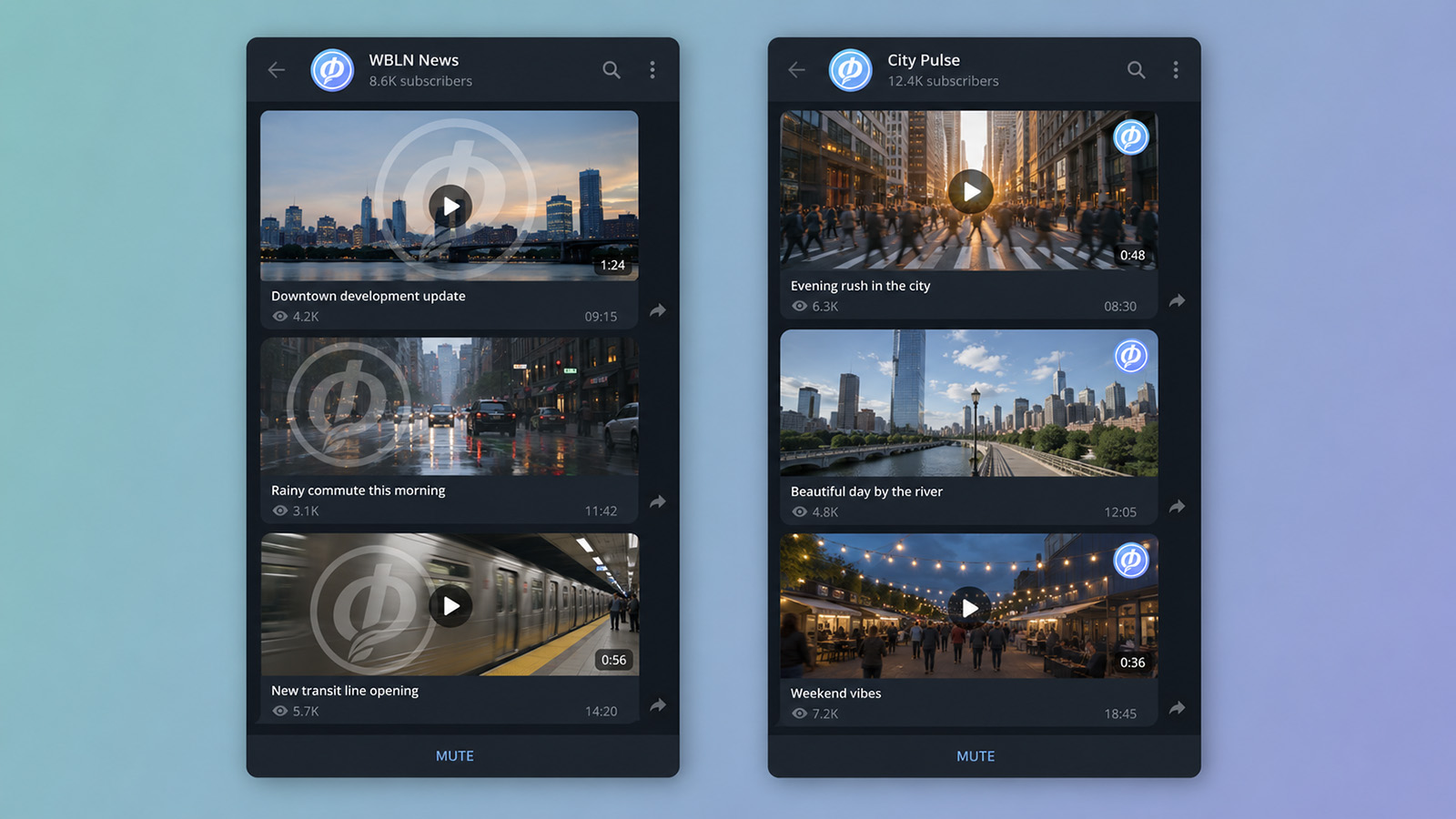
Channel content gets lifted: reposted without credit, re-uploaded to other channels, passed off as someone else's. One consistent watermark on every photo and video does two things at once — it keeps the channel's recognizable look and leaves your brand on the content, wherever it ends up.
For video it's especially useful: the mark can be repeated as a tile across the frame, or set to a random position so it shifts around as the clip plays — a mark like that can't be removed with a single mask over the whole segment.
The bot needs no access to the channel — it only works with the file before you publish.
A photo or video in hand that needs to be published in the channel.
Send the file to the bot in Telegram or MAX — one at a time or as an album.
The button for your channel's mark is already in the bot — its settings are saved in the brand kit.
The bot returns the marked photo or video to the same chat. From there, you publish it to the channel yourself.
Channel owners, newsrooms and media, SMM teams, admins of channel networks and projects running several brands. Anywhere content goes out regularly and has to stay recognizable — no matter who on the team prepared a given post.
If more than one person runs the channel, the mark on the content stays the same all the same.
The logo, overlay settings and button layout are shared across the whole group. Any admin prepares content with the same mark.
The owner generates an invite with the /invite command or in the Mini App — a member joins via a link in Telegram or MAX.
A separate logo and preset for each channel. Upload several marks to the group: each gets its own button in the bot, and you choose the right one before processing.
Flowmark doesn't connect to your channel and doesn't post automatically. Photos and video are processed by the bot before publishing — it takes seconds, and in batch mode even less. You decide what goes out and when, the bot gets no channel-admin rights, and your originals don't sit on someone else's service waiting for auto-posting.
Flowmark doesn't store originals permanently: a file is only needed while it's being processed, and is deleted as soon as the result is sent.
Beyond watermarks, a channel team can add captions and geotags, compress heavy video to fit the limits, transcribe audio and much more:
No. Flowmark doesn't connect to the channel at all and needs no admin rights. It only works with the file before posting: you run photos and video through the bot, and you publish them yourself.
Yes. The team works from one shared brand kit: the logo, settings and buttons are available to every member of the group. The mark comes out identical, no matter which admin prepared it.
Yes. Send the files as an album or one after another — the bot groups them into a batch and applies the logo in one operation.
Yes. For each channel, add its own logo with its own settings — a separate button for it appears in the bot. You can switch between marks right in the chat before processing.
There's a free plan, and the promo link opens 30 days of extended access with team groups.
